Share Pad — Ephemeral Collaborative Notepad
A modern, ephemeral, and URL-based collaborative notepad. No database, no login, just pure state sharing via compressed URLs.
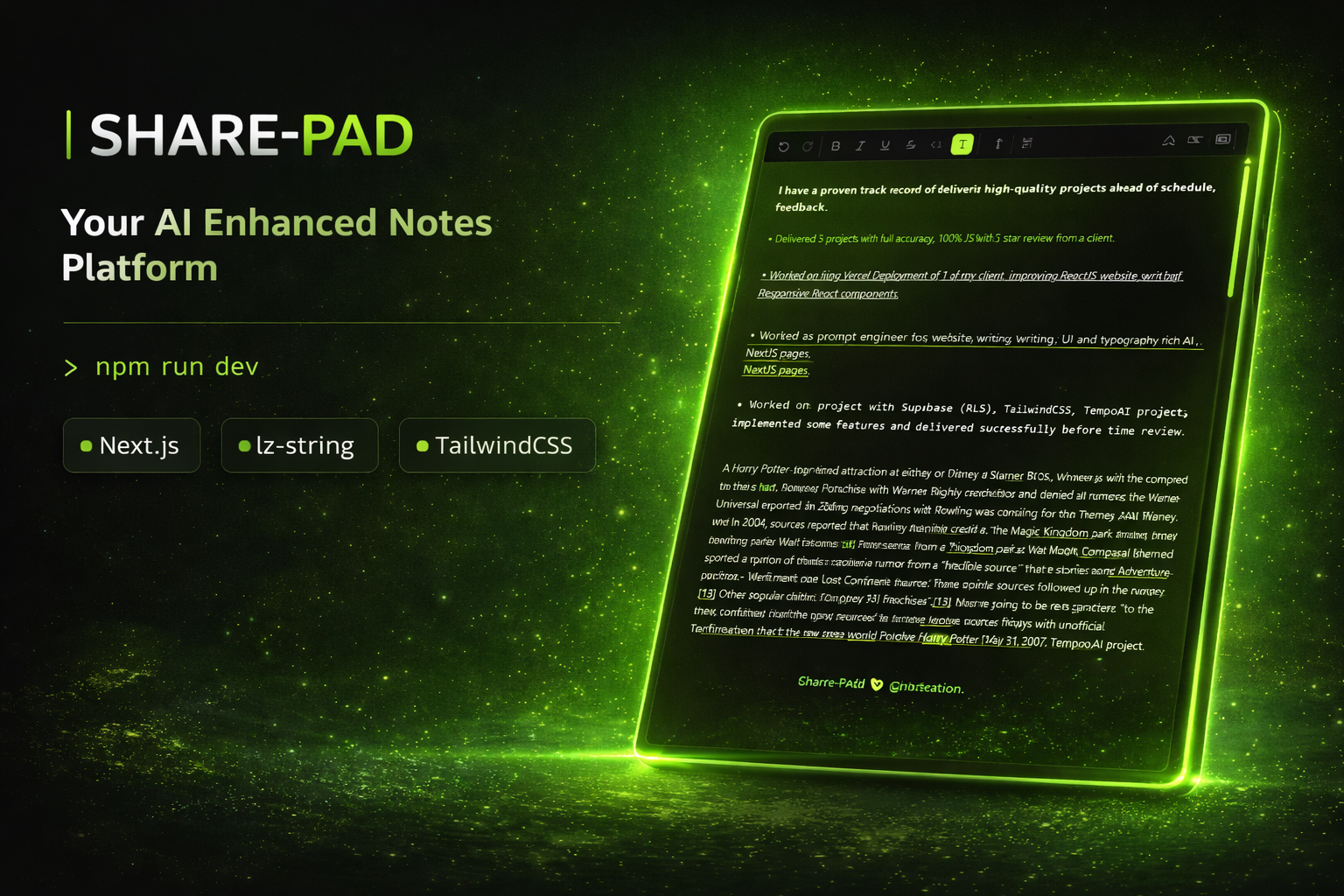
Features
- Persist via URL — All content is compressed using LZ-String and stored directly in the URL hash. Share the link, share the note.
- Read-Only Mode — Generate secure, non-editable links for sharing content without risk of modification.
- Rich Text Editing — Powered by Slate.js, supporting bold, italic, code blocks, and more.
- Export Options — Download your notes instantly as
.txt,.md, or.html. - Premium UI:
- Electric Border — Dynamic, animated glow effects powered by HTML5 Canvas
- Custom Cursor — Interactive cursor with magnetic snap-to-target animations (GSAP)
- Liquid Metal Logo — A unique metallic fluid simulation for the brand mark
- Dark Mode First — A sleek, high-contrast dark theme with lime accents
- Fully Responsive — Optimized for mobile and desktop, with a dedicated mobile sharing sheet.
Tech Stack
- Framework: Next.js 15 (App Router)
- Styling: Tailwind CSS v4
- Animation: GSAP 3 (Cursor & Effects)
- Editor: Slate.js
- Compression: lz-string
- Icons: Lucide React
Getting Started
Clone the repository
git clone https://github.com/Kashan-2912/share-pad.git
cd share-pad
Install dependencies
$ pnpm add
Run the development server
$ pnpm dev
Design Philosophy
Share Pad is built with a focus on visual impact and simplicity.
- The "Electric" aesthetic — High-voltage borders and neon accents give life to the static text editor.
- Micro-interactions — Every hover, click, and movement is rewarded with subtle animations.
- No Friction — Open the app, type, copy the URL. No sign-up walls.