GitQuest — Summon the Creature Behind Your Code
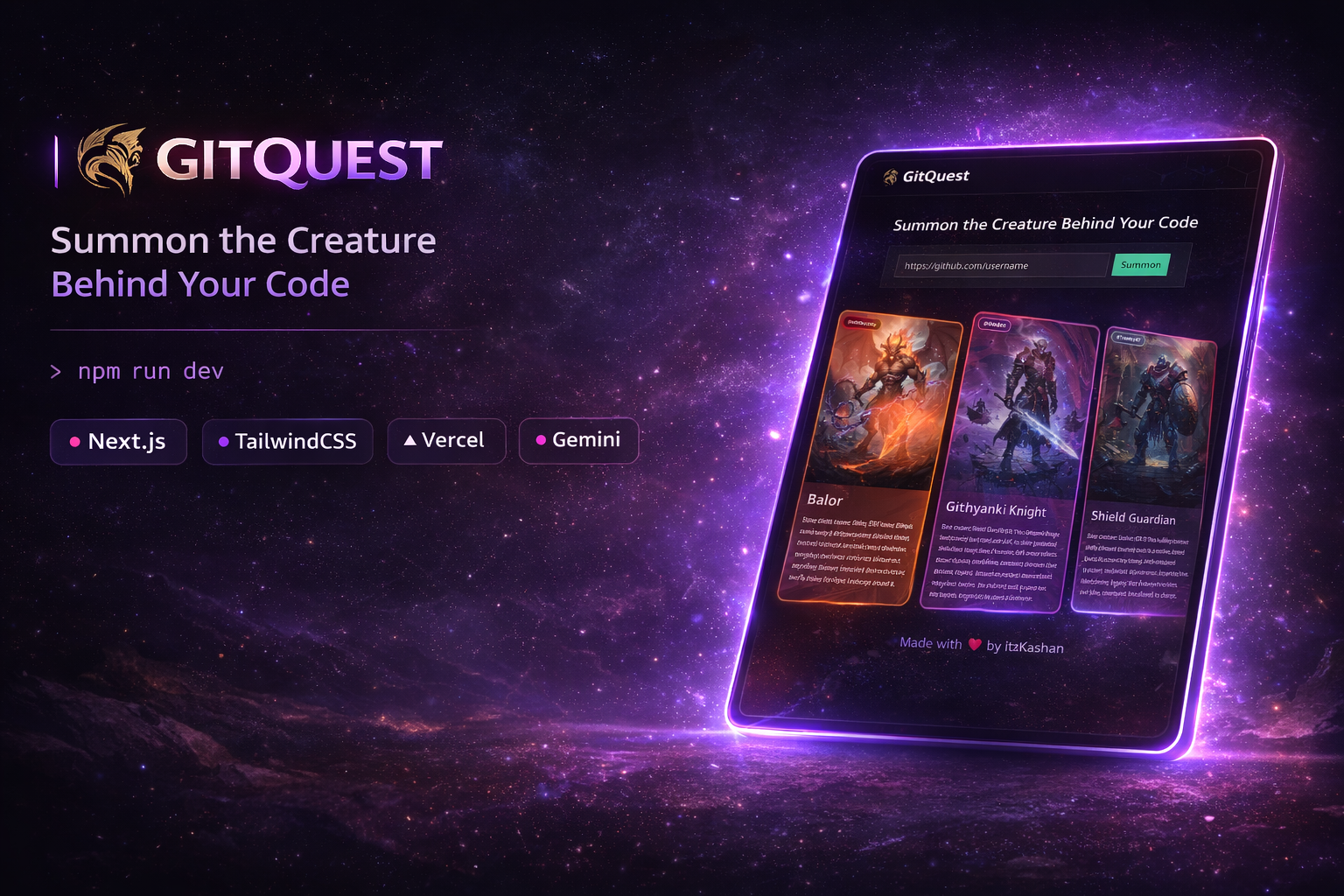
GitQuest transforms your GitHub profile into a unique fantasy creature based on your contribution history using AI-powered generation.
Features
- AI-Powered Creature Generation — Leverages Google's Gemini AI to create unique fantasy creatures based on GitHub contribution data
- Contribution-Based Tiers — Creatures scale from CR 0 (harmless vermin) to CR 20+ (legendary beings) based on contribution count
- Leaderboard — Compare your creatures with other developers
- User Profiles — View individual developer profiles and their summoned creatures
- Summoning System — Discover what creature embodies your coding spirit
- Beautiful 3D Effects — Interactive cards with liquid chrome, plasma, and light pillar effects
- Dark/Light Mode — Full theme support with next-themes
- GitHub README Widget — Embeddable SVG widget to showcase your creature on your GitHub profile
Tech Stack
- Framework: Next.js 16 with App Router
- Language: TypeScript
- Styling: Tailwind CSS 4
- Database: Neon PostgreSQL with Drizzle ORM
- AI: Google Gemini 2.5 Flash Image
- Storage: Vercel Blob for creature images
- 3D Graphics: Three.js & OGL
- UI Components: Custom components built with Radix UI primitives
- Forms: React Hook Form with Zod validation
- State Management: nuqs for URL state
How It Works
- Enter a GitHub username — Submit any GitHub profile URL or username
- Fetch Contributions — The app queries the GitHub API for contribution count
- AI Generation — Google Gemini generates a unique D&D-inspired creature based on:
- Contribution count (determines Challenge Rating)
- Randomized selection from Monster Manual creatures
- Unique visual styling and effects
- Storage — Creature image is stored in Vercel Blob and metadata in Neon database
- Display — View your creature with beautiful 3D effects and share with others
Contribution Tiers
- 0–49 contributions: CR 0 (Harmless/Vermin-tier)
- 50–150: CR 1/8–1/4 (Minor threats)
- 151–400: CR 1/2–1 (Novice adventurer)
- 401–800: CR 2–4 (Competent)
- 801–1500: CR 5–8 (Skilled)
- 1501–3000: CR 9–13 (Veteran)
- 3001–6000: CR 14–17 (Elite)
- 6001+: CR 18–20+ (Legendary)
GitHub README Widget
Showcase your GitQuest creature on your GitHub profile:
[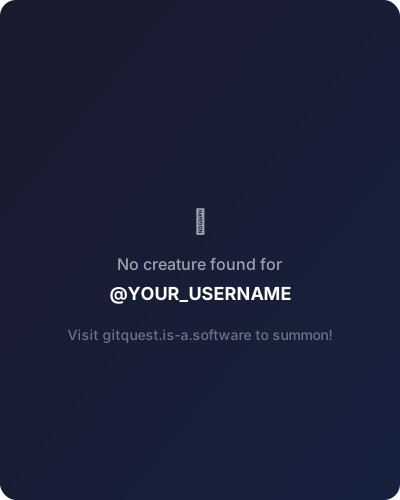](https://gitquest.is-a.software/YOUR_USERNAME)Replace YOUR_USERNAME with your GitHub username. The widget automatically displays your creature's portrait, power tier, Challenge Rating, and contribution count.
Getting Started
Prerequisites
- Node.js 20+
- A GitHub account
- API keys for Google Gemini AI, Neon PostgreSQL, and Vercel Blob Storage
Installation
git clone https://github.com/Kashan-2912/gitquest.git
cd gitquest
npm install
Environment Variables
GEMINI_API=your_gemini_api_key
DATABASE_URL=your_neon_database_url
BLOB_READ_WRITE_TOKEN=your_vercel_blob_token
Database Setup
$ pnpm dlx drizzle-kit push
Run
$ pnpm dev
Project Structure
gitquest/
├── app/                      # Next.js app directory
│   ├── [username]/          # Dynamic user profile pages
│   ├── leaderboard/         # Leaderboard page
│   ├── summon/              # Creature summoning page
│   └── page.tsx             # Home page
├── components/              # React components
├── db/                      # Database configuration
├── server/                  # Server actions
└── lib/                     # Utility functions